Connect Dynadot
Step-by-step guide to connect your Dynadot account to Domain Pilot
This guide walks you through connecting your Dynadot account to Domain Pilot so you can manage all your Dynadot domains from a single dashboard.
You will create a Restricted API Key in Dynadot just for Domain Pilot. A restricted key only has the permissions you give it and has its own IP allowlist, so you never have to share your main account key.
Step 1: Open Your API Settings
-
Log in to your Dynadot account
-
From the left-side menu, select Tools, then click API
-
If prompted, unlock your account using the link Dynadot provides

Step 2: Enable API Access
If API Enabled shows OFF under Production Key, click Generate New Key to turn on API access for your account.

Step 3: Whitelist Domain Pilot's IP Address
Dynadot only accepts API requests from approved IP addresses.
-
In Domain Pilot, click Registrars in the sidebar, click Add Registrar, select Dynadot, and copy the IP address shown:
3.77.180.226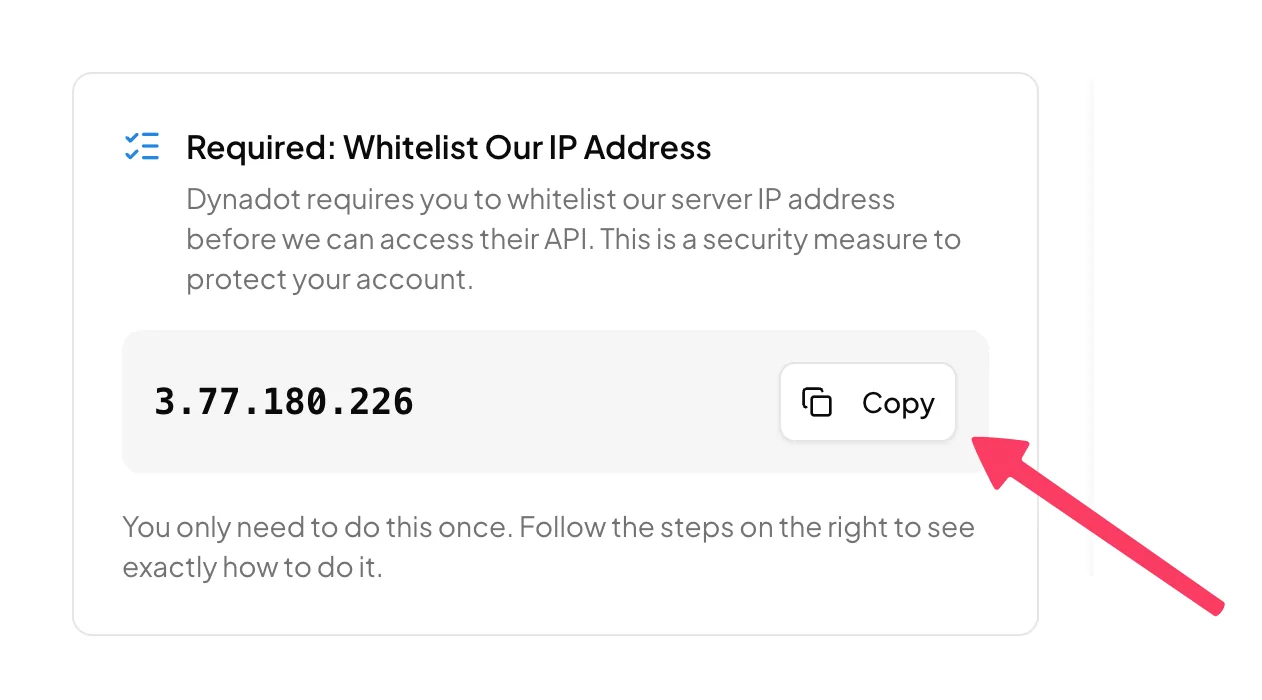
-
Back on the Dynadot API page, scroll to the IP Address section, paste the IP into an empty field, and save

Note: Dynadot takes anywhere from a few seconds to several minutes to apply new keys and IP whitelist changes to its API servers, and recommends allowing up to 10 minutes. If the connection fails right after saving, wait a few minutes and try again.
Step 4: Create a Restricted API Key
-
Scroll down to the Restricted API Key section and click create key

-
Enter "Domain Pilot" as the Key Name
-
Paste
3.77.180.226into the IP Whitelist field. Each restricted key has its own allowlist, so this is required even if you added the IP in Step 3 -
Set Domains to Write so Domain Pilot can sync your domains and manage DNS records. Leave the other resources set to None
-
Save the key

Step 5: Copy the Restricted Key's Credentials
In the Restricted API Key table, use the copy icons on the "Domain Pilot" row to copy:
- API Production Key (starts with
restricted_). This is the API Key in Domain Pilot - Secret Key (also starts with
restricted_). This is used to sign API requests
Make sure API Enabled shows ON for the key.

Don't use the Production Key and Secret Key at the top of the page. Those are your main account keys and have full access to your account.
Step 6: Connect in Domain Pilot
- Return to the Dynadot connection dialog in Domain Pilot and click I've Done This to continue
- Paste the restricted key's API Production Key into API Key
- Paste the restricted key's Secret Key into Secret Key
- Click Test Connection
Verifying the Connection
Domain Pilot imports your domains as soon as the connection test succeeds and shows how many it found. Click View My Domains to see them on the Domains page.
Troubleshooting
Connection Failed or "Access Denied" Error
- Check that
3.77.180.226is in both your account's IP Address list and the restricted key's IP Whitelist - Confirm API Enabled is ON for the restricted key
- If you just added the IP, wait at least 10 minutes for Dynadot to apply the change, then try again
"Invalid Credentials" or Signature Error
- Make sure you entered both the API Key and the Secret Key
- Confirm you copied both values from the Restricted API Key row, not the main keys or Sandbox keys
- Re-copy both values to rule out extra spaces or missing characters
- If you regenerated your keys in Dynadot, update them in Domain Pilot
Domains Not Appearing
- Allow a few minutes for the initial sync to complete
- Confirm the domains are in the same Dynadot account the keys belong to
Can't Add or Edit DNS Records
- Check that the restricted key's Domains permission is set to Write, not Read